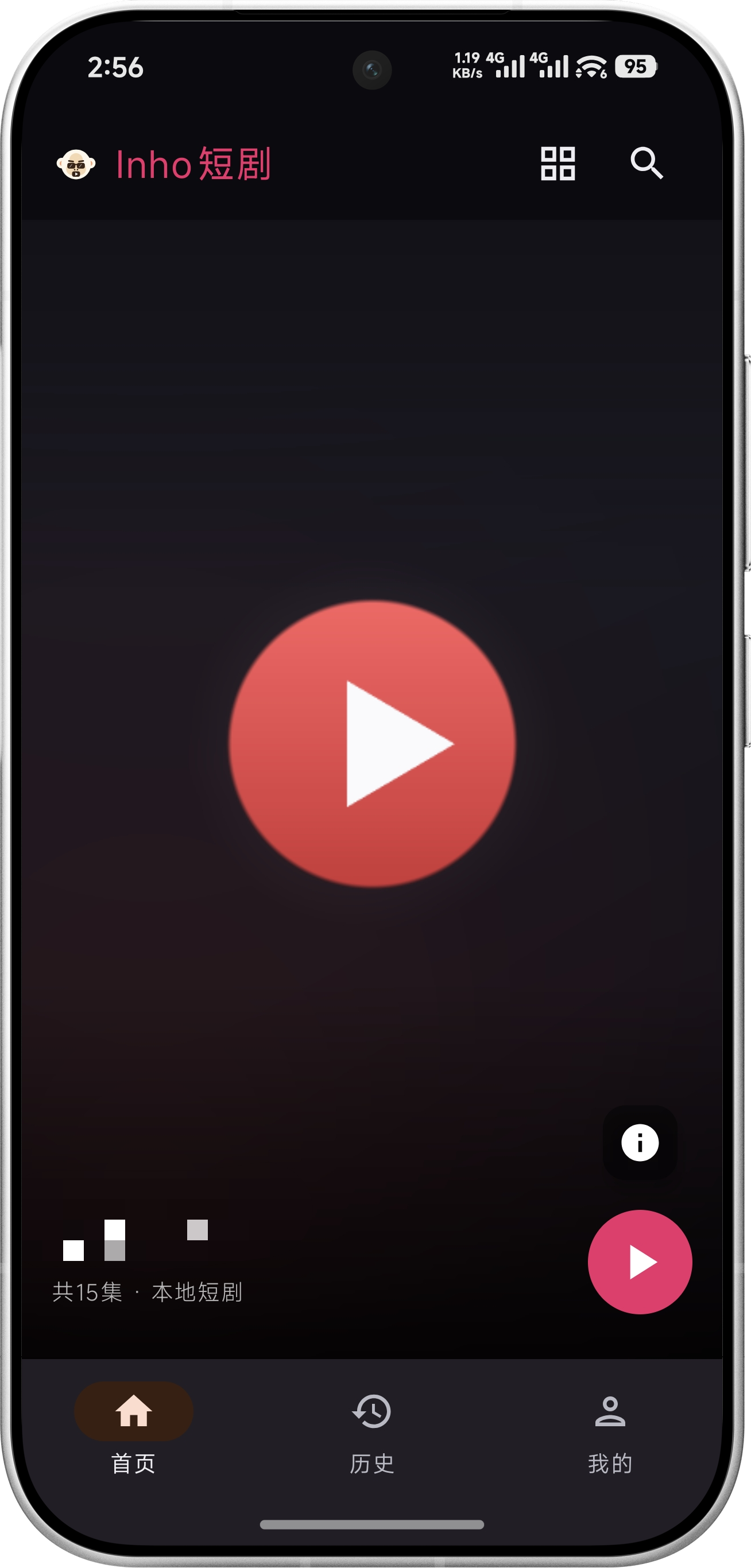
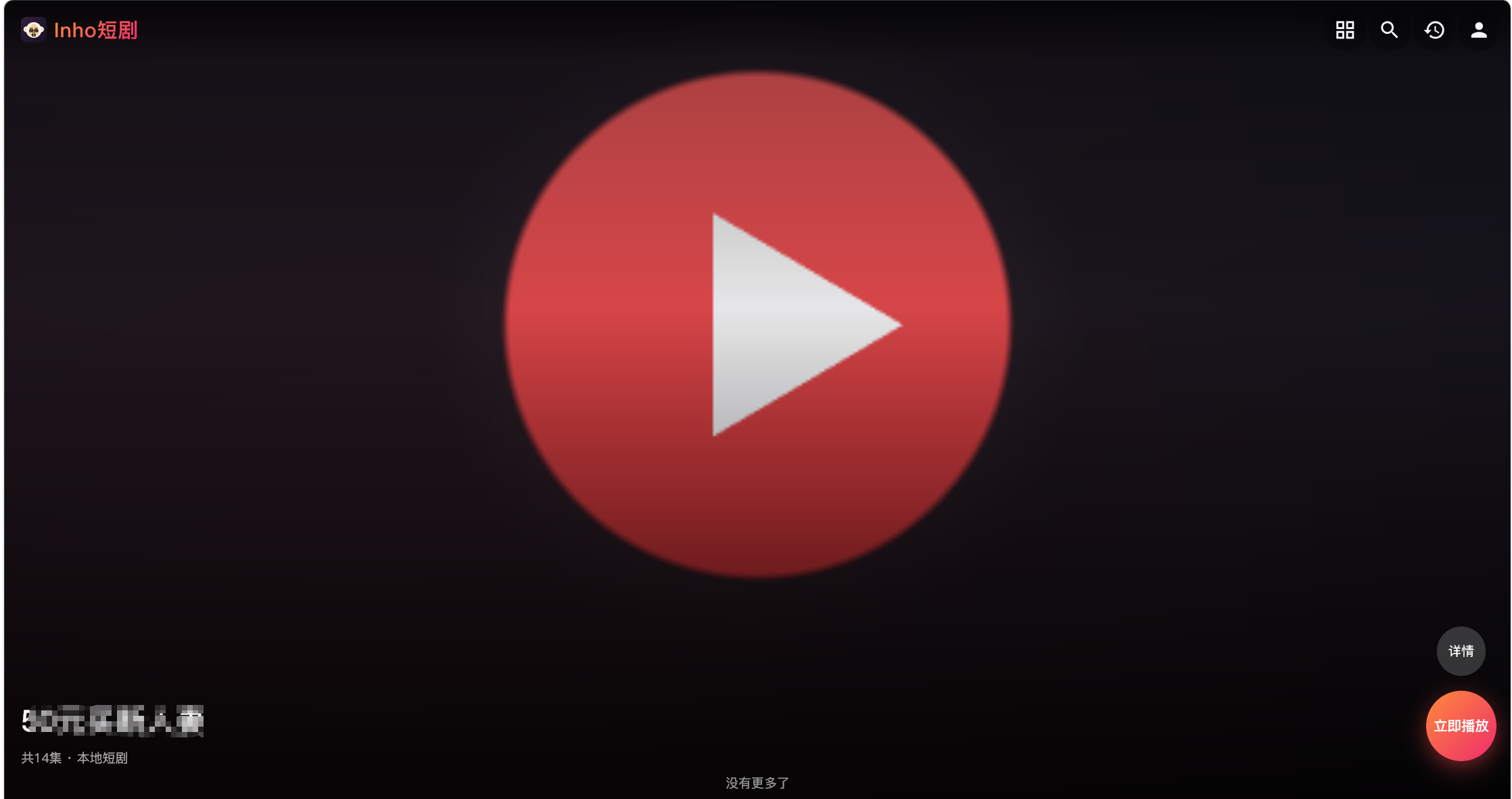
Video Feed × Poster Wall
One tap toggles the home screen between a fullscreen vertical feed and a classic poster wall. Swipe your NAS library like a short-video app.
A short-drama streaming service you host on your own NAS, with the feel of the popular "Hongguo"-style apps: swipe up and down through the feed, episodes auto-play in sequence, and progress stays in sync across web, Android, and desktop. It runs entirely inside your LAN and never calls an external scraper API.
docker compose up -d --build
Swipe your own NAS library like a short-video app — fast, private, and maintenance-free.
One tap toggles the home screen between a fullscreen vertical feed and a classic poster wall. Swipe your NAS library like a short-video app.
Progress is stored server-side keyed by "account + show + episode": start an episode in the browser, continue in the app. Re-scans and source changes never lose your place.
Show titles and episode numbers come from file-naming conventions; covers come from posters in the folder, with a built-in fallback. No external API calls, ever.
Local directories / WebDAV (Alist, Synology, etc.) / Jellyfin (Emby compatible). Existing Jellyfin libraries plug right in — posters and summaries included.
Pure-Go SQLite (no CGO) is cross-architecture by nature; buildx cross-compiles x86_64 + ARM64 images, so low-power ARM NAS boxes need no QEMU.
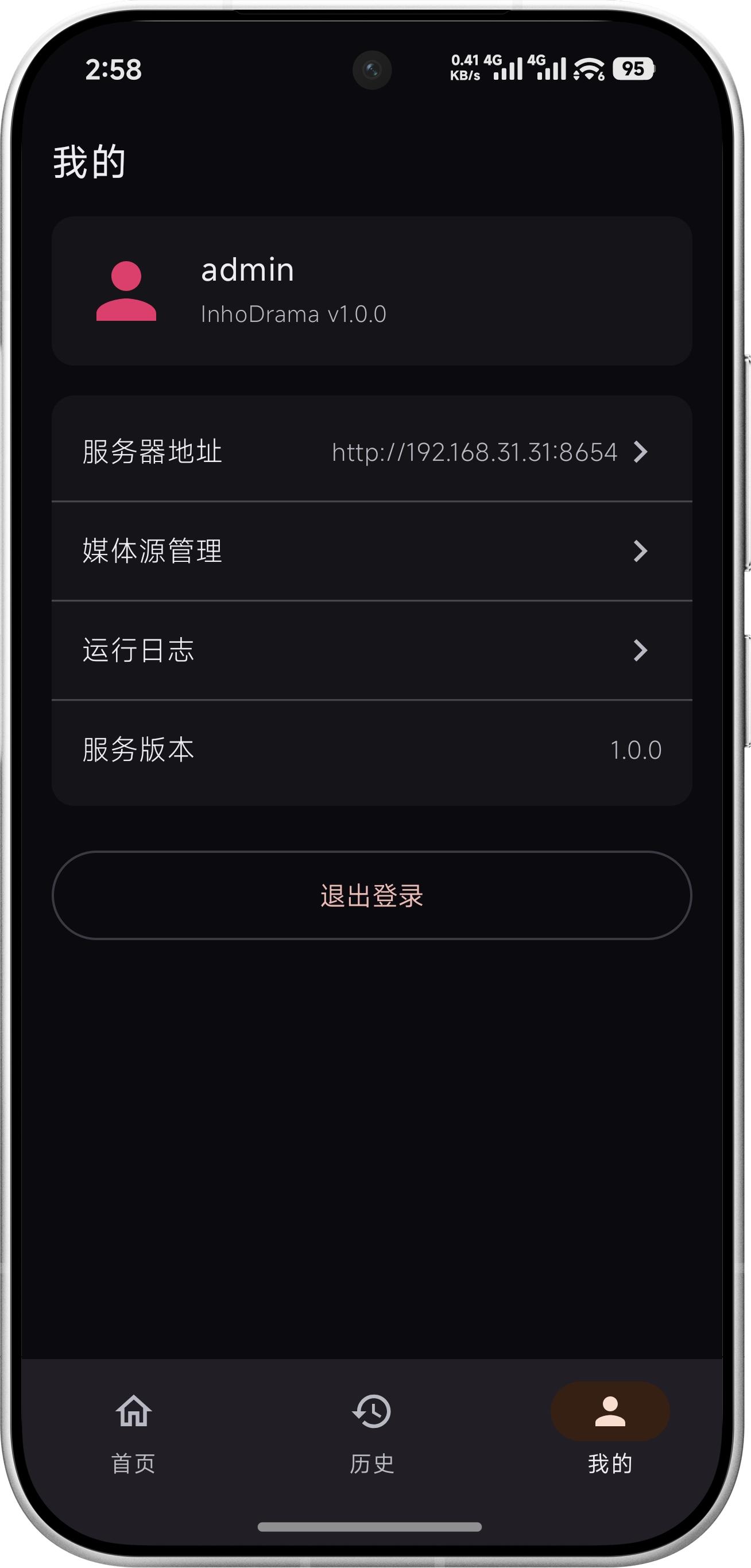
Add/edit/scan all media sources, check scan status, register users, and keep per-user watch progress isolated — all from the web UI, no terminal required.
Three sources, one pipeline for scanning, playback, and progress. No need to move existing libraries.
Mount your show folders into the container and watch right after scanning. Titles and episode numbers are parsed from file names.
/media/your-show/EP01.mp4
Just fill in the URL and credentials: Alist / Synology / QNAP / OMV all work. Streams are proxied server-side with full Range / 206 passthrough.
dav://alist:5244/dav/dramas
Attach an existing library and reuse its posters, summaries, and durations. Containers browsers can't play are 302-redirected to HLS transcoding automatically.
http://jellyfin:8096 + API Key
The server keeps a single progress store; switch between web, Android, and desktop freely.
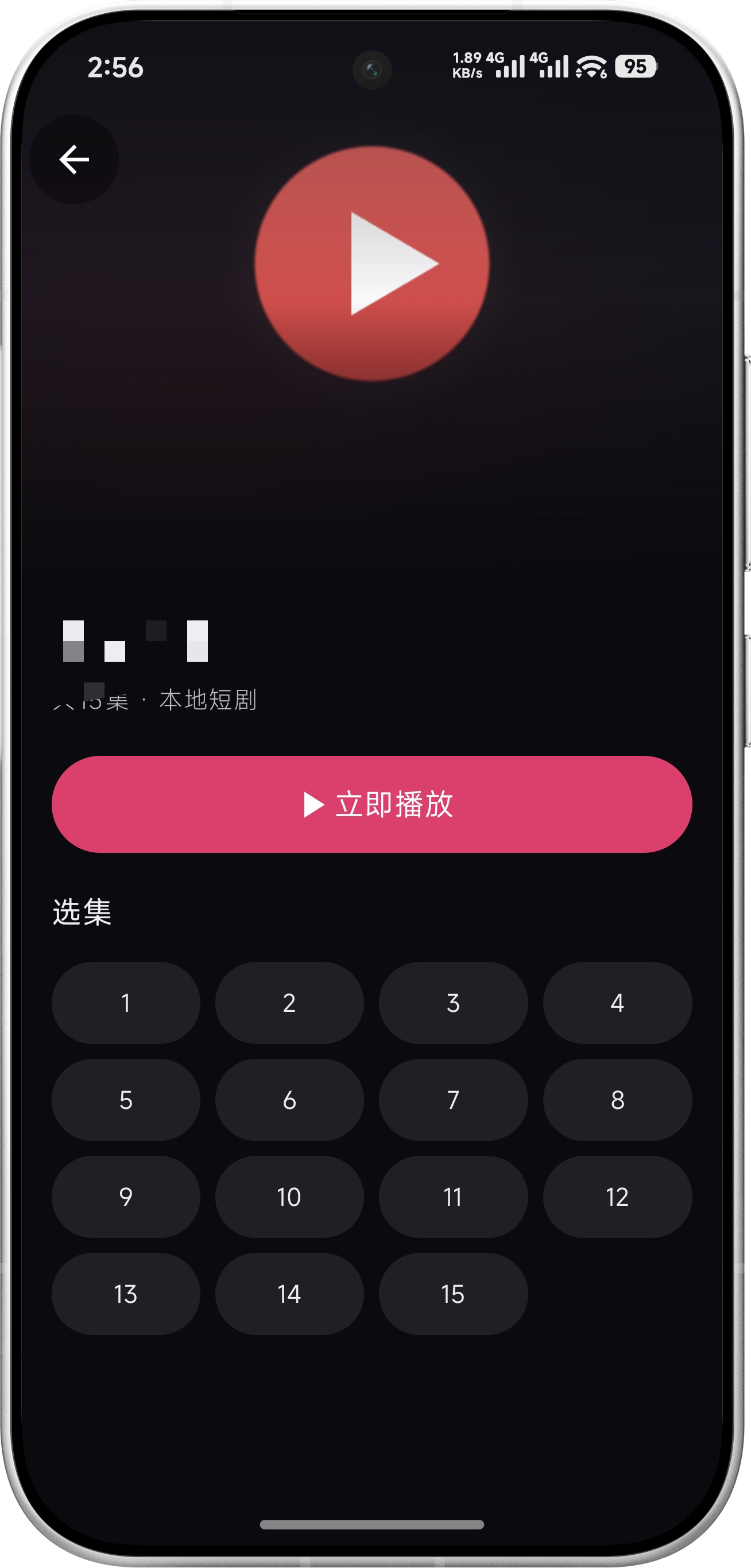

InhoDrama
Windows · macOS
A full walkthrough from deployment to binge-watching (with music).
Any NAS (or always-on machine) with Docker; two minutes to launch.
On any machine that can SSH into the NAS:
git clone https://github.com/no1very/inho-drama.git
The multi-stage build packs the frontend and compiles the backend automatically:
cd inho-drama && docker compose up -d --build
Open http://<NAS_IP>:8654 and sign in with the default
admin / admin (change it right away), then head to
"Mine → Media Sources" to add one. Once scanning finishes, start swiping.
For deployment details (environment variables, reverse proxy, backup & upgrade) see the deployment guide ↗; ARM NAS builds need no QEMU — buildx cross-compiles directly.
No unnecessary layers: one binary, one container, fully native clients.
From naming conventions to the API contract — everything self-hosting and secondary development needs.
Compose, environment variables, multi-arch builds & publishing, reverse proxy, backup & upgrade, FAQ
Directory layout, episode naming, covers / summaries / subtitles, web-friendly encoding parameters
URLs and credentials for Alist / Synology / QNAP / OMV, plus troubleshooting
Getting an API Key, user isolation, HLS transcoding notes, troubleshooting
Android Studio / command-line builds, signing, common issues
Every endpoint and field — the reference for writing your own client